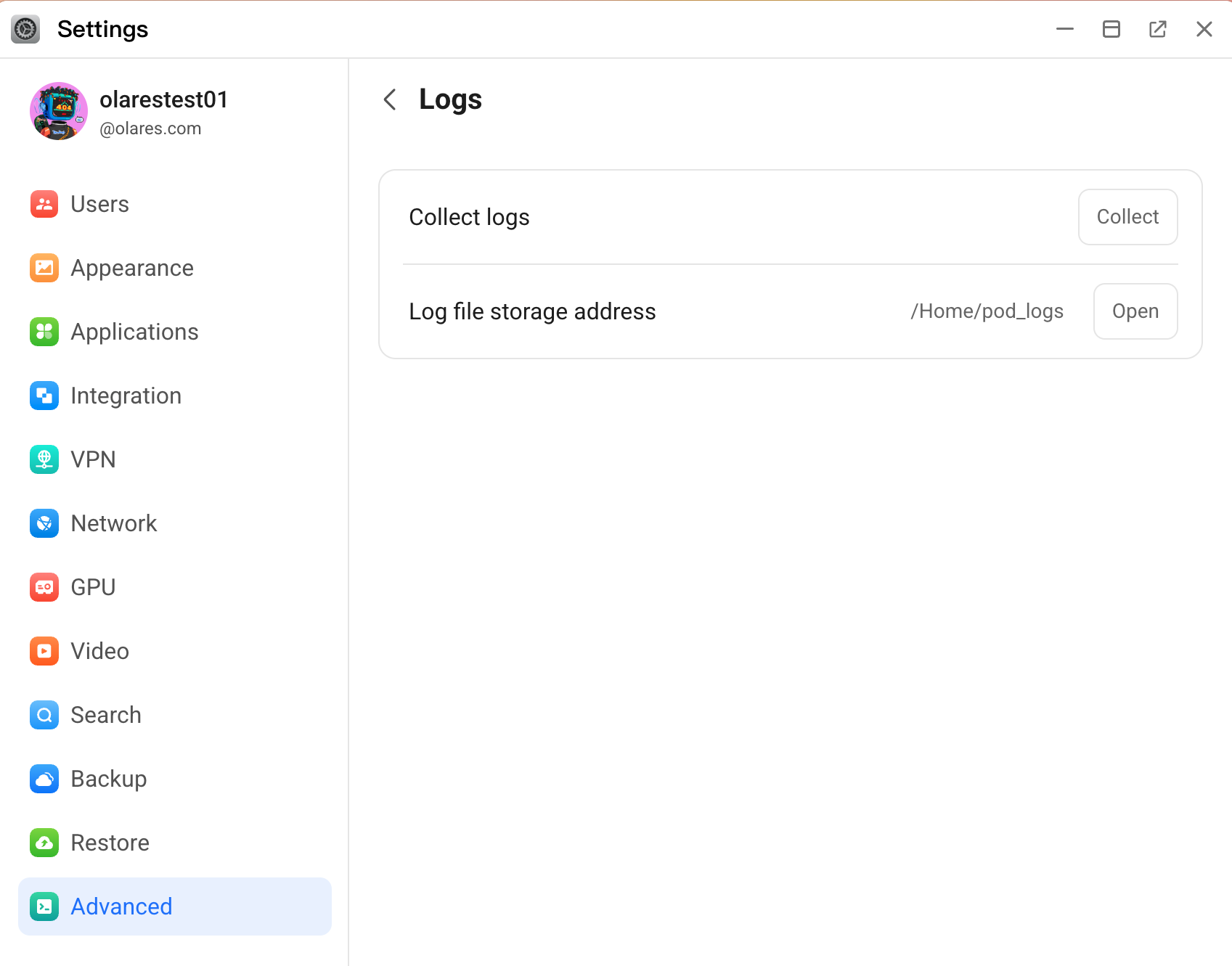
Go to Settings > Advanced > Logs.
Click Collect to generate the log file. The log is automatically saved to the
/Home/pod_logsdirectory.Click Open to open the logs directory in a new window.
Right-click the generated log file and select Download.
Go to Settings > Advanced > Logs.
Click Collect to generate the log file. The log is automatically saved to the /Home/pod_logs directory.
Click Open to open the logs directory in a new window.
Right-click the generated log file and select Download.