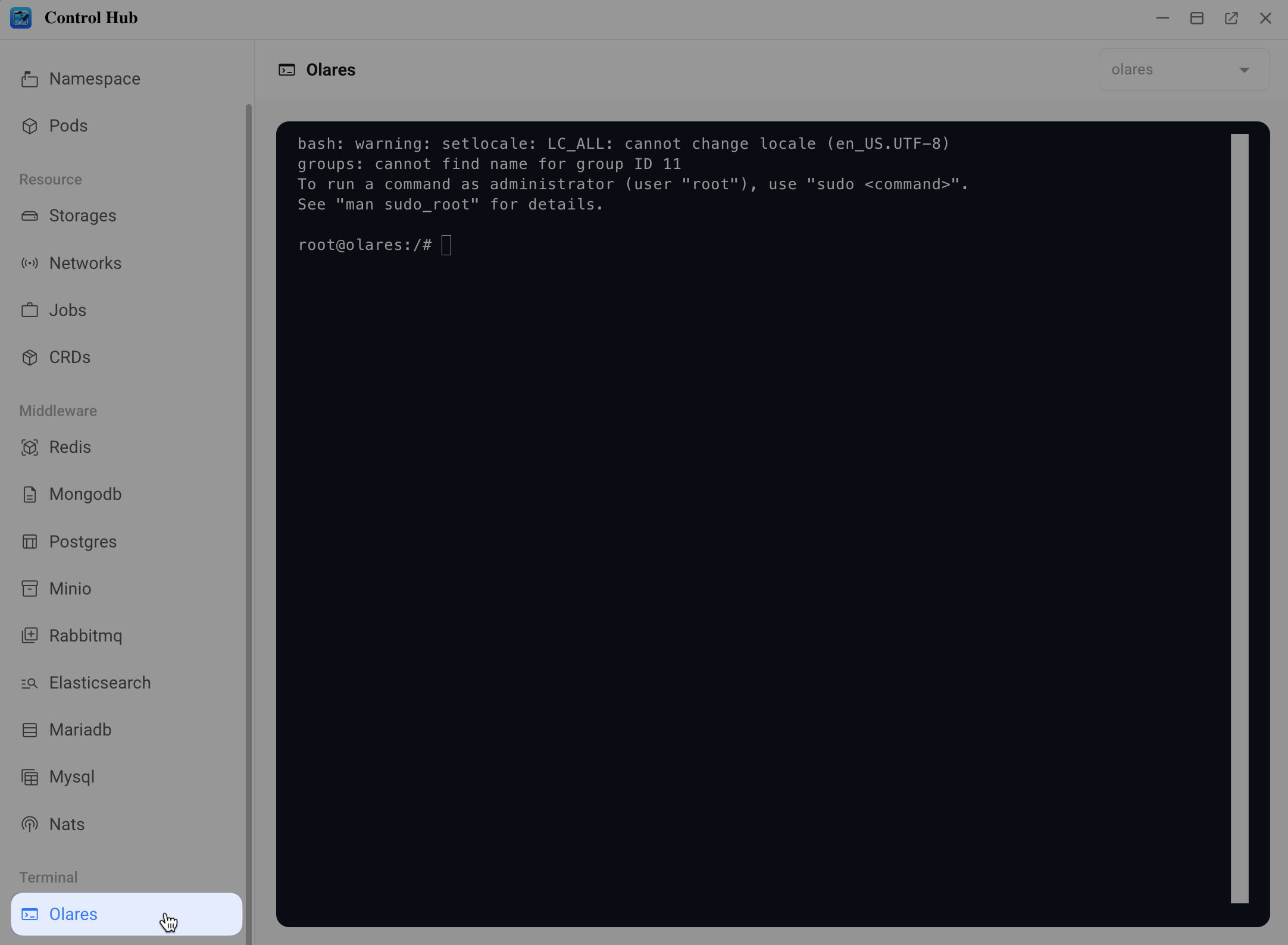
Access Olares One terminal via Control Hub
If you need to run quick, occasional commands, use the Olares CLI. This web-based terminal is built into the Control Hub application. It runs as root by default and requires no SSH client or IP address configuration.
Prerequisites
- Your Olares One is set up and running.
- You can open the Olares desktop in a browser.
Access via Olares CLI
Open a browser and access your Olares desktop:
texthttps://desktop.<username>.olares.comOpen Control Hub from the Launchpad.
In the left sidebar, under the Terminal section, click Olares.