Factory reset via LarePass 10 min
If you have already activated Olares One and want to return it to the factory state, you can perform a reset in LarePass.
Data loss
This will permanently delete all accounts, settings, and data on the device. This action cannot be undone.
Prerequisites
Hardware
- Olares One is powered on.
- Your phone and Olares One are on the same network.
- You are signed in to LarePass as an administrator.
Reset Olares One to factory settings
Open LarePass on your phone and go to Settings.
In the My Olares card, tap System to open the Olares management page.
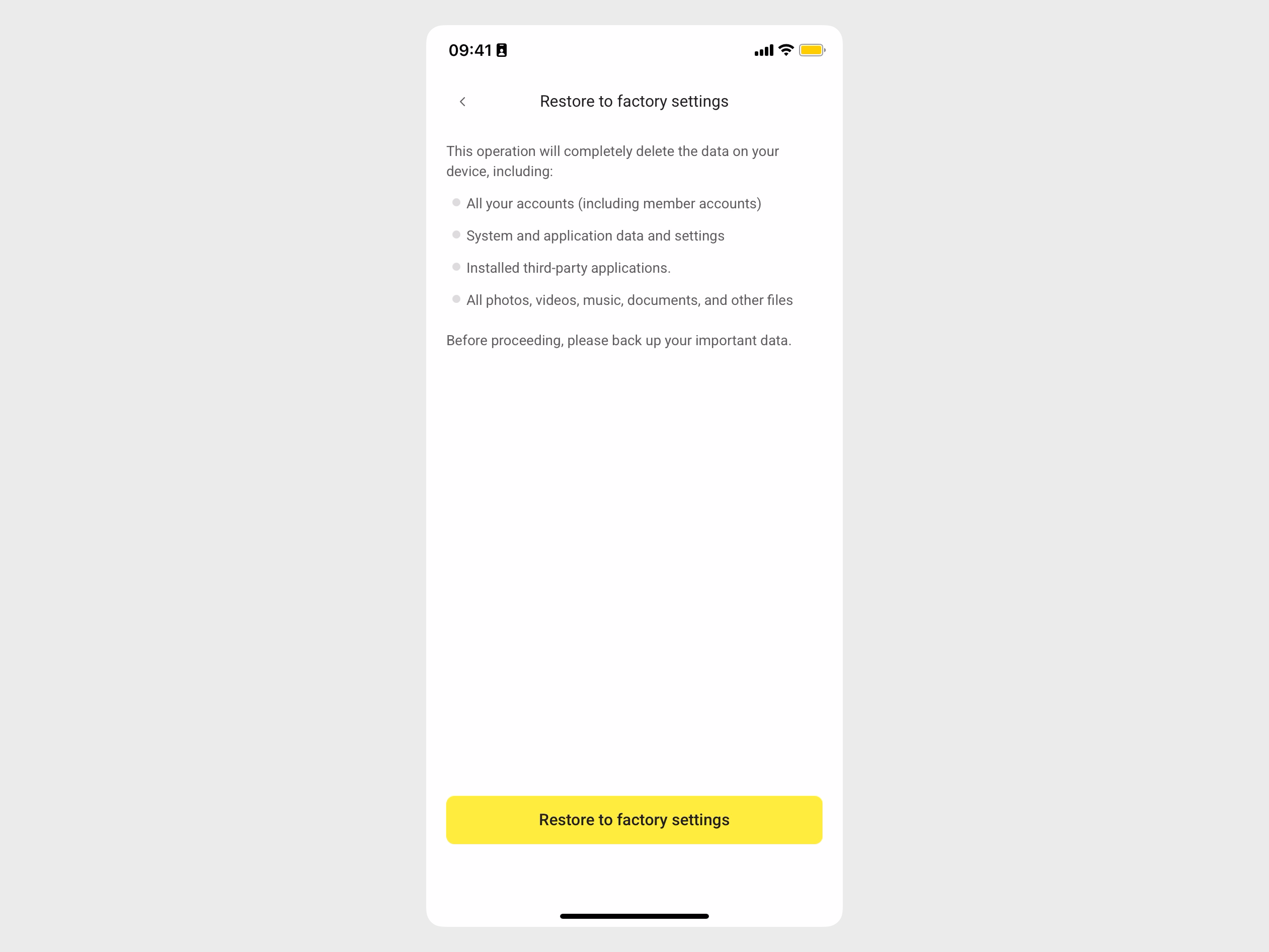
Tap Restore to factory settings.
Review the risk prompt carefully, then tap Restore to factory settings to continue.
Enter your local LarePass lock-screen password and tap Confirm.
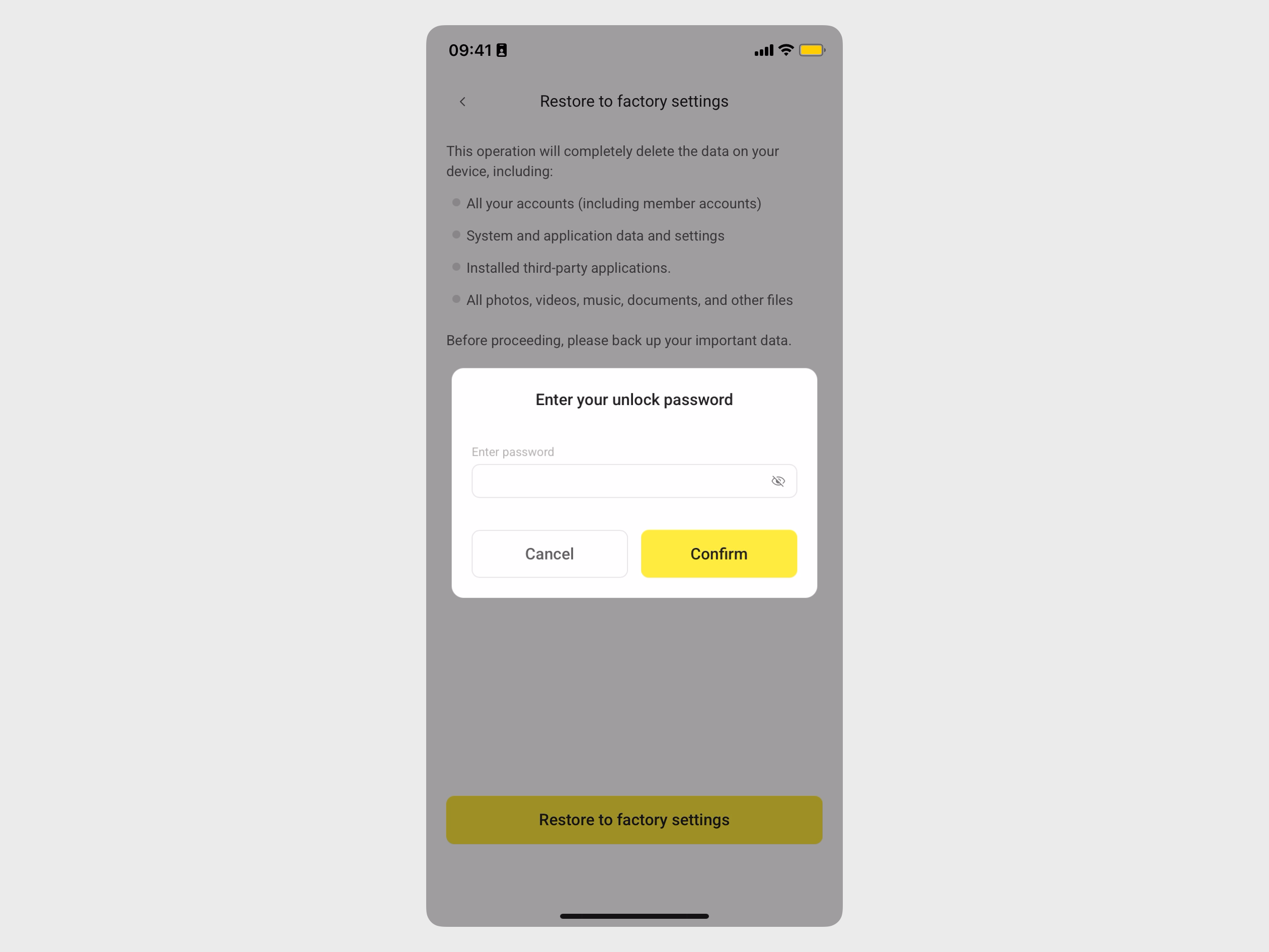
If you have not set a local password, you will be prompted to set one first.
Wait for the reset process to complete.
Once finished, Olares One reboots into the initial setup phase. You are redirected to the activation flow, where you can scan the local network to reactivate Olares.
For detailed instructions, see First boot.