Manage domain members
After you set up your custom domain and create your organization and Olares ID, use Domain management in Olares Space to manage members.
Add a new user
In Olares Space, refresh the Domain management page, the domain status now updated to Allocated.
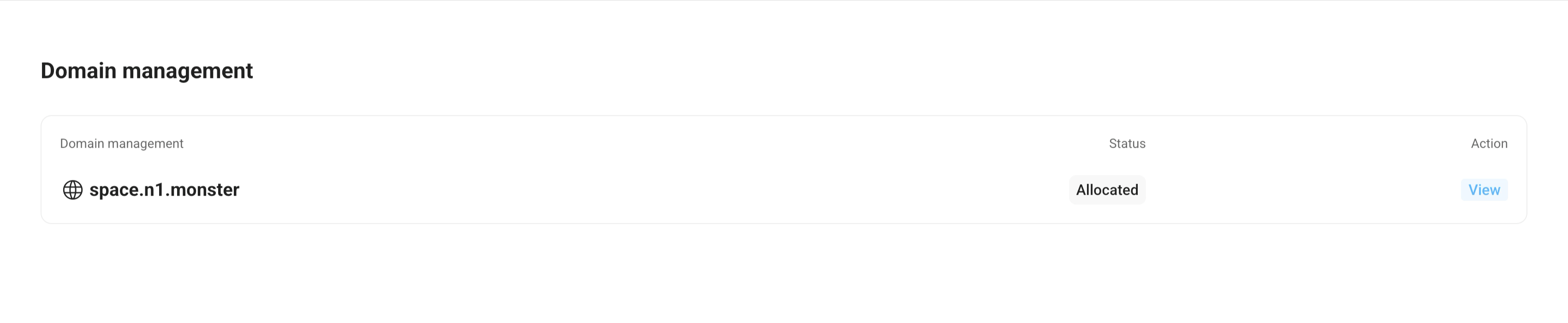
Click View in the Action column.
Click Add New User and enter the username (the part before your custom domain) for the member. For example,
alice.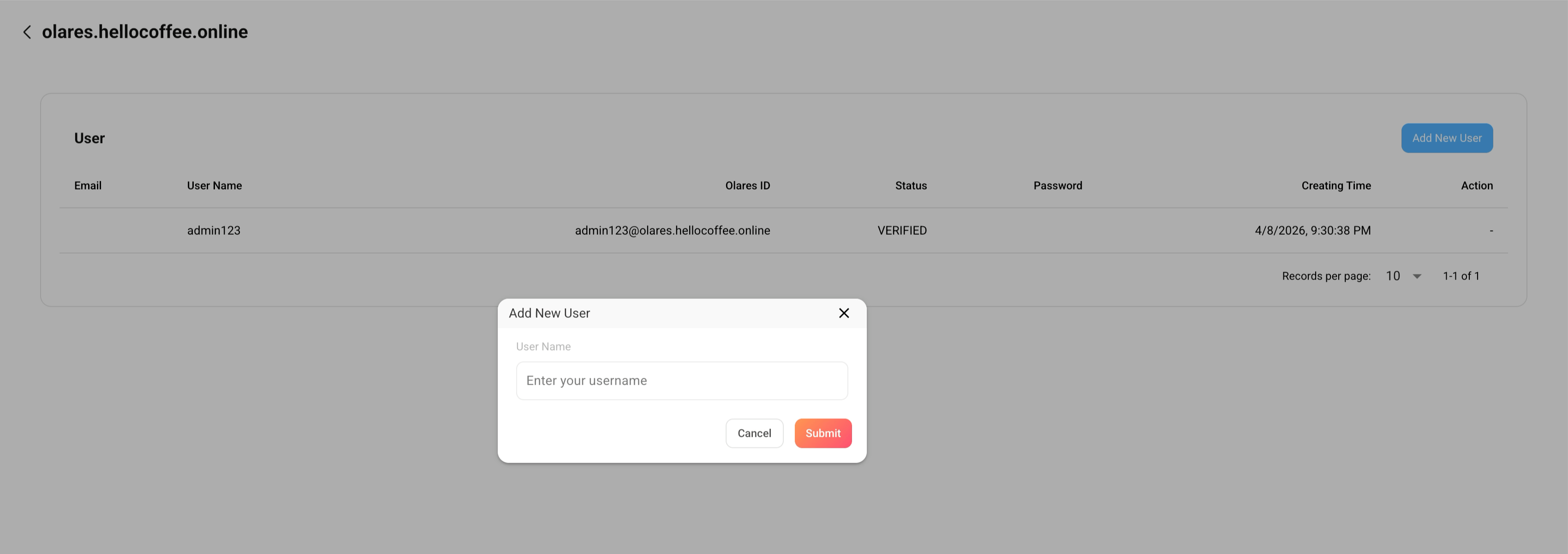
Click Submit.
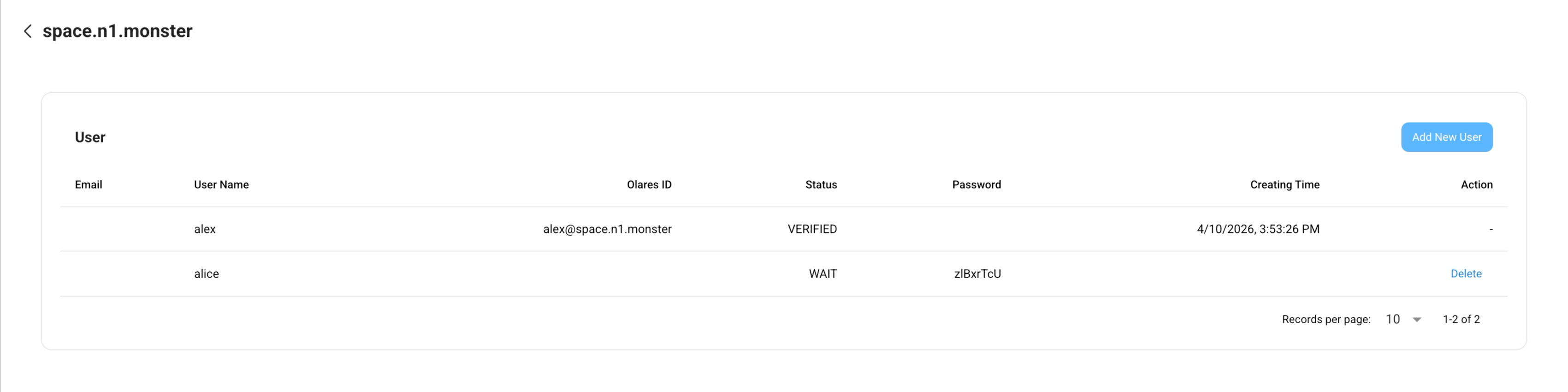
(Optional) Repeat steps 2 and 3 to add more users.
Provide the username and password to the member.
Remove a user
You can only remove a user if they have not yet created an Olares ID under your domain.
- In Olares Space, go to Domain management, and click View next to your domain.
- Find the username you want to remove, and click Delete.
- Click Confirm in the pop-up dialog.
What's next
- Once users receive their Olares ID and password, they can join the organization in LarePass.
- If a member will join the admin's existing Olares instance, see Manage your team for details.