Known issues
Use this page to identify and troubleshoot currently known issues with Windows on Olares.
Remote desktop connection fails after upgrading to Olares 1.12.5
After upgrading Olares from version 1.12.4 to 1.12.5, you might be unable to access Windows remotely after the device restarts.
This happens because of an outdated Tailscale Access Control List (ACL) setting, which controls which devices can access your Windows VM. Because this setting does not update automatically during the upgrade, it blocks remote desktop connections.
Workaround
To restore remote access, update the access control settings and restart the required service.
Open Control Hub.
In the left sidebar, under Terminal, click Olares.
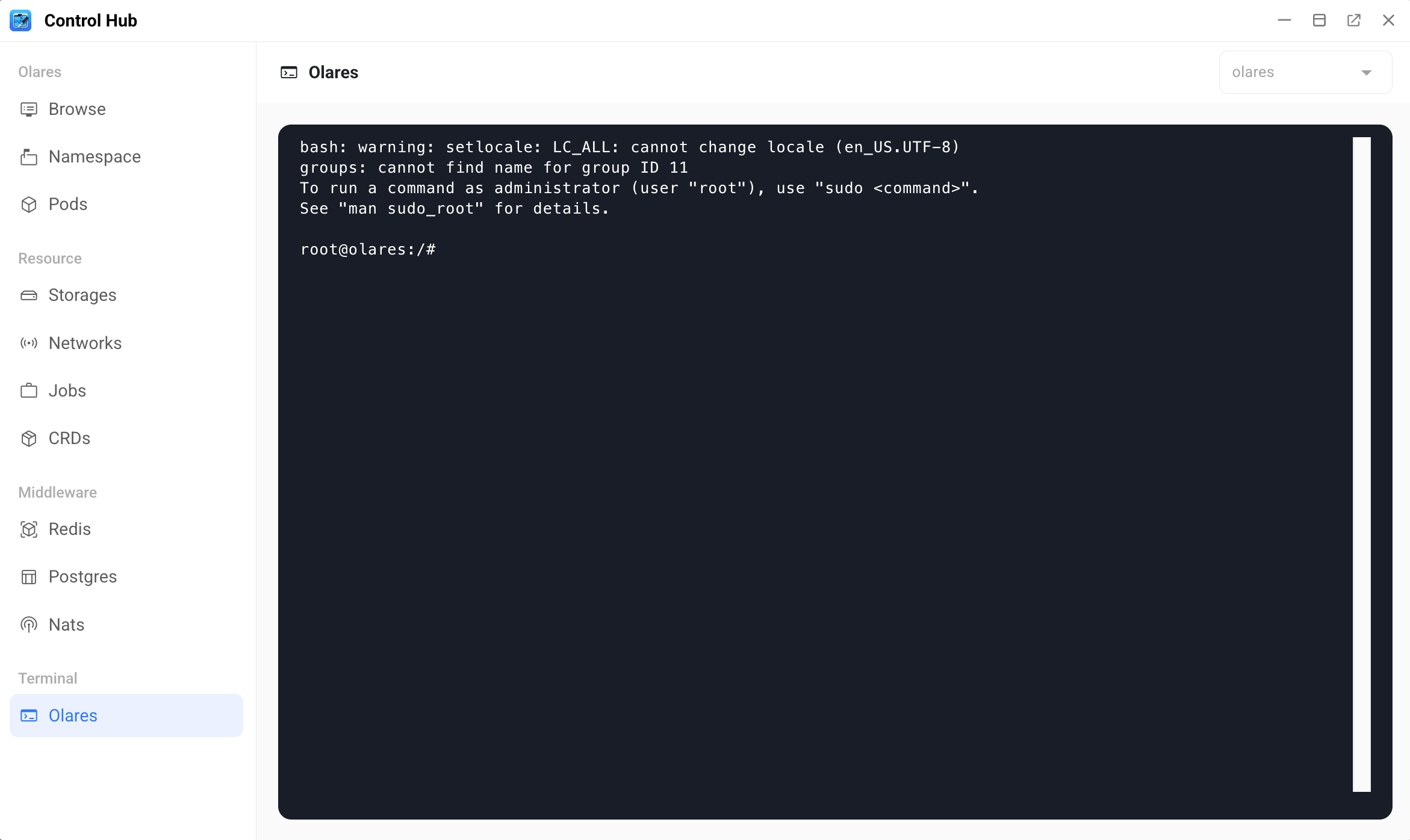
Run the following commands one at a time. Replace
<username>with the part before@in your Olares ID. For example, if your Olares ID is[email protected], then<username>isalice123.bashkubectl annotate configmap tailscale-acl -n user-space-<username> tailscale-acl-md5- kubectl patch deployment headscale -n user-space-<username> --type=json -p='[{"op":"remove","path":"/spec/template/metadata/annotations/tailscale-acl-md5"}]' kubectl rollout restart sts app-service -n os-frameworkAfter the restart is complete, wait a few minutes, and then try remotely connecting to Windows again.