Analyze single-cell RNA sequencing data
RNA Sequencing provides a pre-configured JupyterLab environment for GPU-accelerated single-cell RNA sequencing (scRNA-seq) analysis. It includes a ready-to-run notebook, scRNA_analysis_preprocessing.ipynb, which demonstrates a preprocessing and analysis workflow based on RAPIDS-singlecell.
Use this guide to open the notebook, run the full analysis pipeline, and find the generated output files.
Prerequisites
- An Olares device with AMD64 architecture and an NVIDIA GPU with at least 10 GB VRAM available for this app.
Install RNA Sequencing
Open Market and search for "RNA Sequencing".
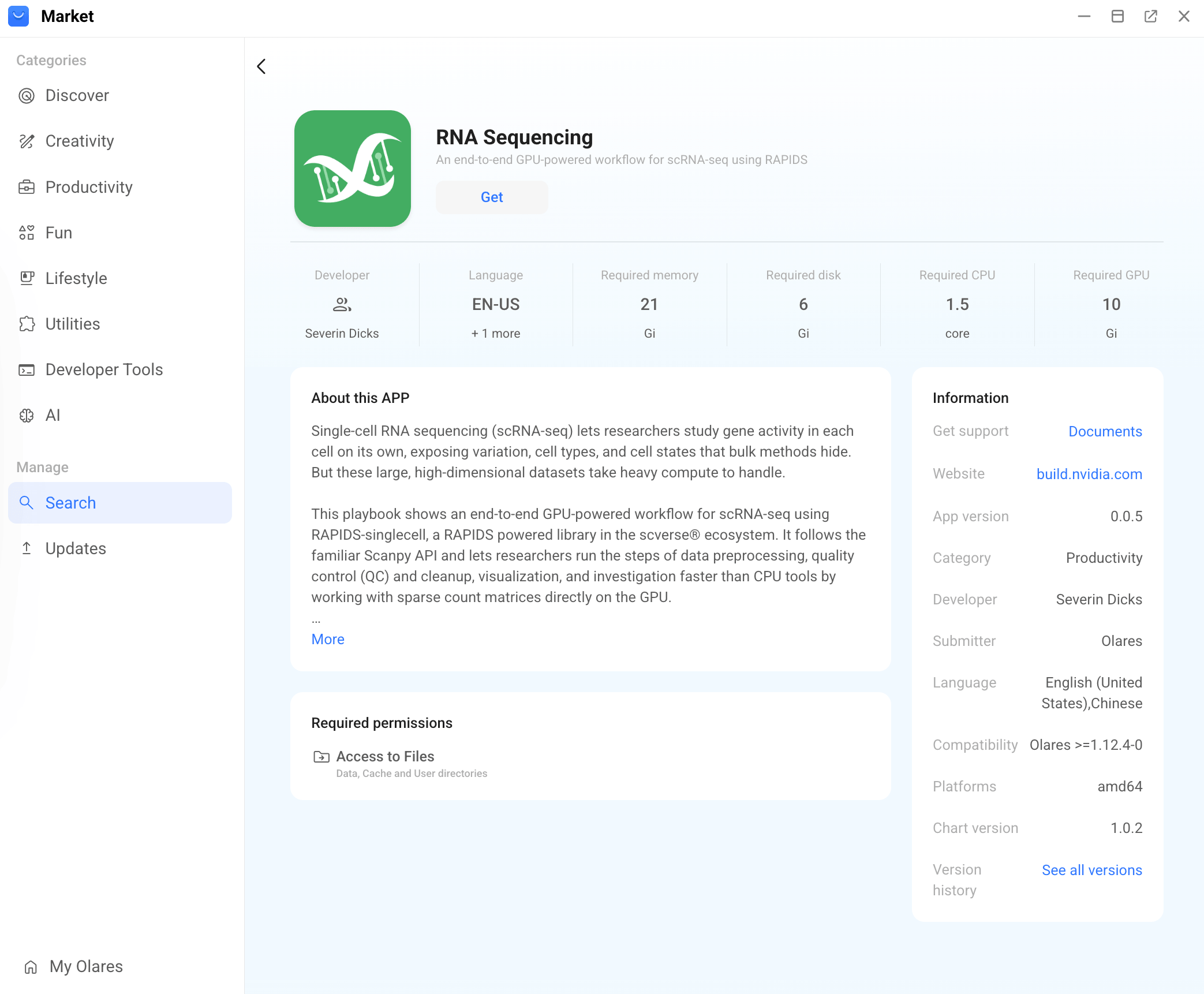
Click Get, then Install, and wait for installation to complete.
Run the analysis notebook
Open RNA Sequencing from Launchpad. The app opens in a JupyterLab interface.
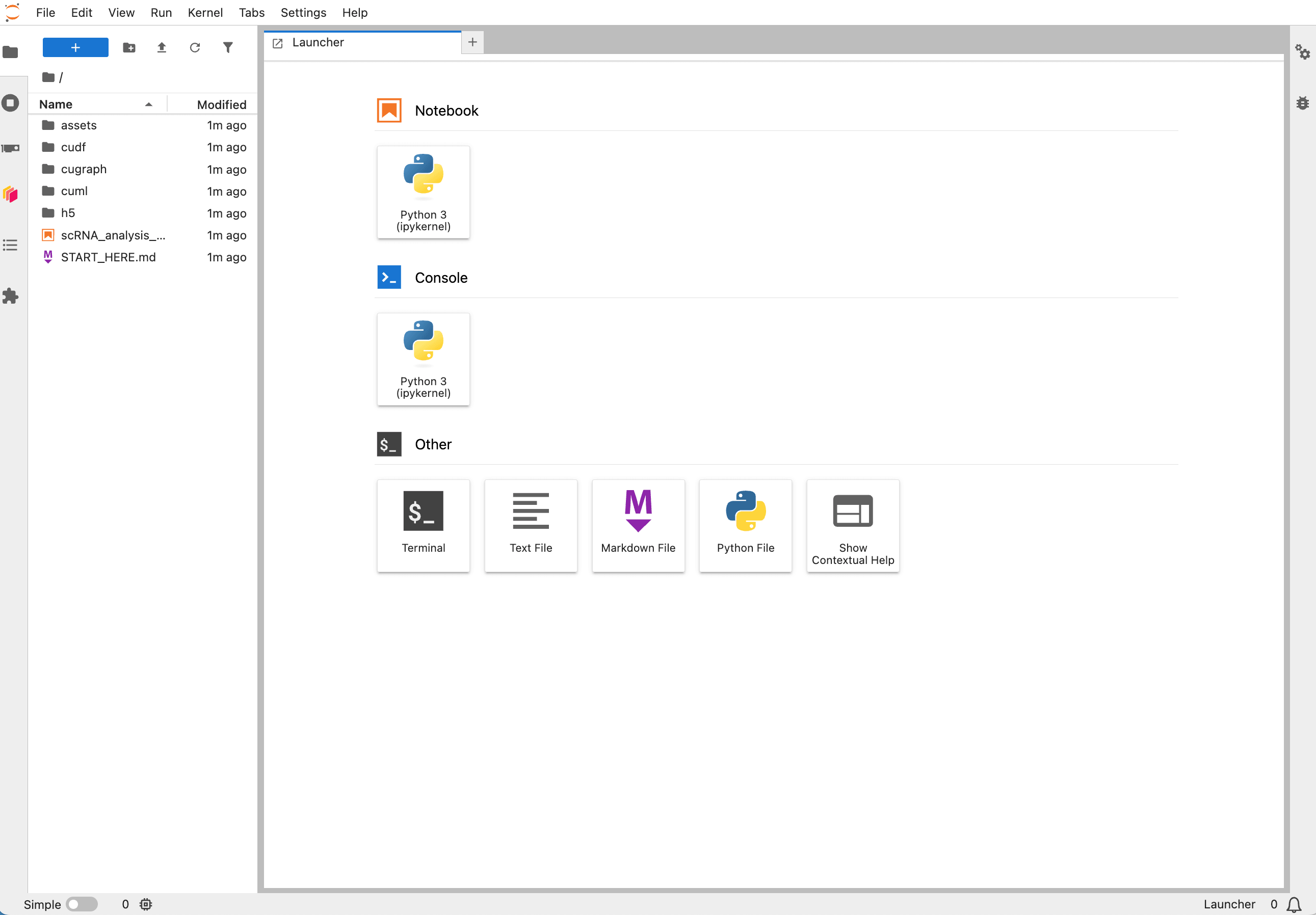
In the file browser on the left, double-click
scRNA_analysis_preprocessing.ipynbto open the analysis notebook.The notebook is pre-configured and can be run directly.
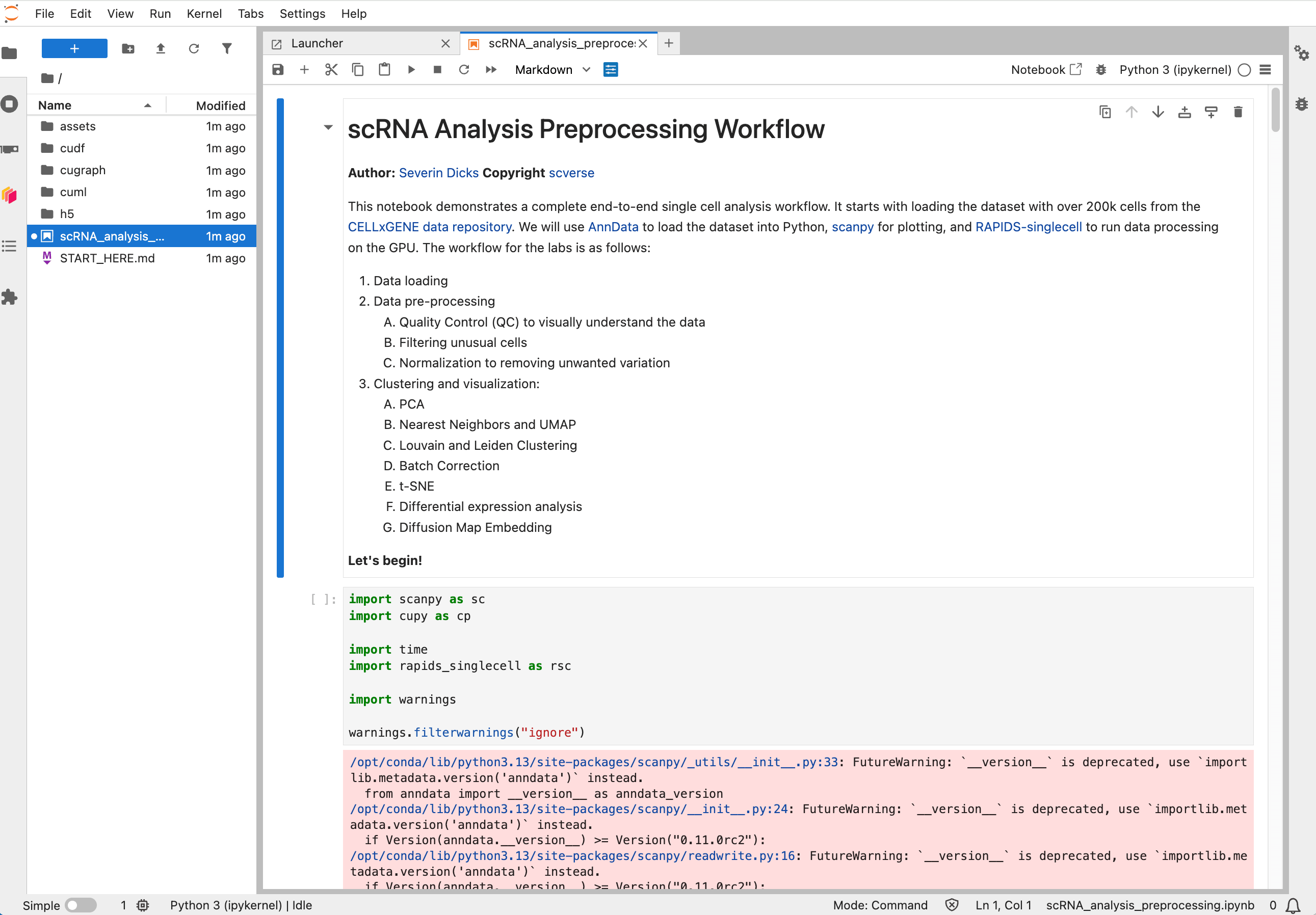
Back up the original notebook
To keep the original notebook unchanged, right-click
scRNA_analysis_preprocessing.ipynband select Duplicate. This creates a copy in the same folder. Open and run the copied notebook instead.Click Run > Run All Cells to execute the full analysis pipeline.
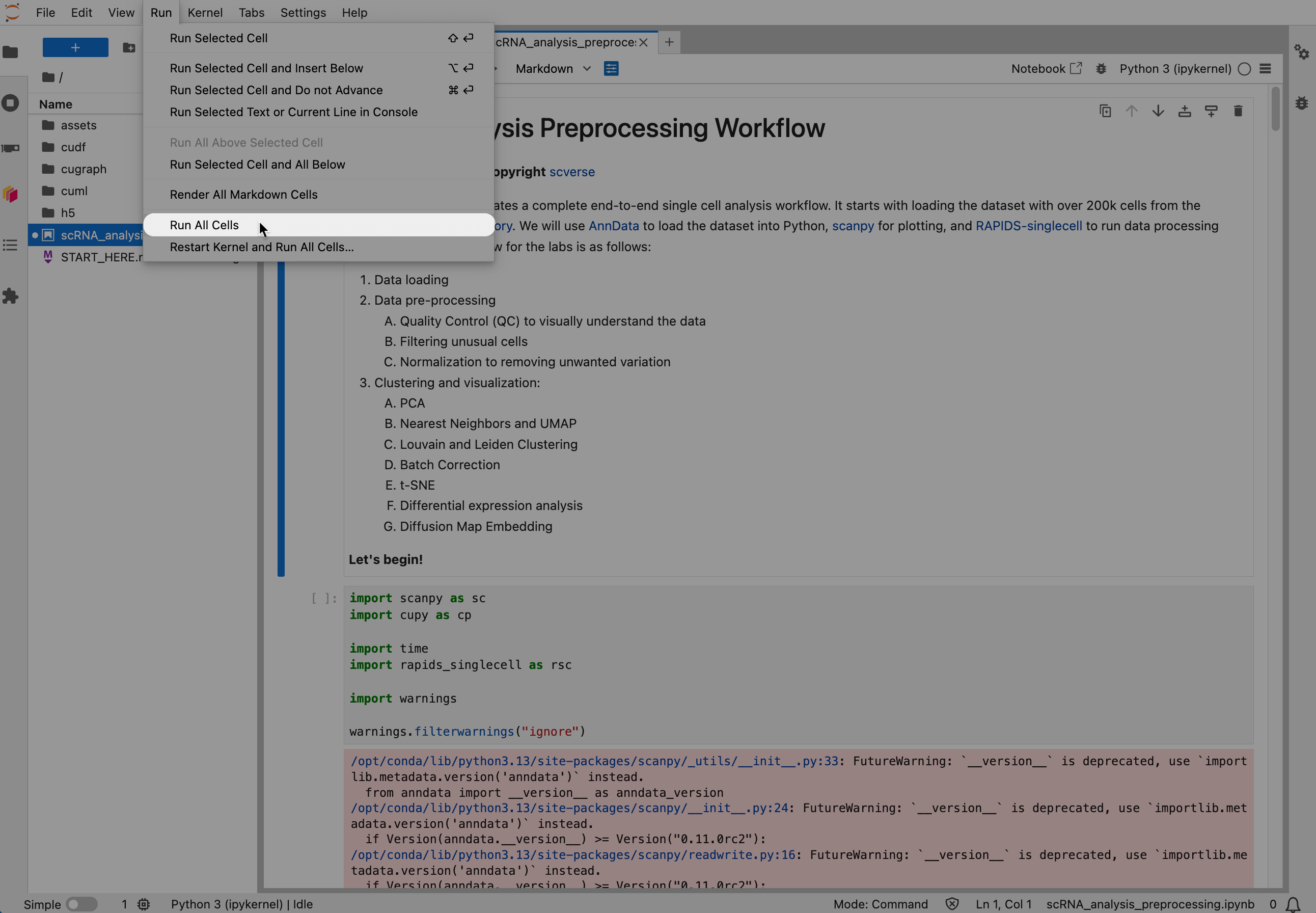
Wait for all cells to finish.
While a cell is running, its execution indicator shows
[*]. After cells finish running, executed cells show numbers such as[1]and[2], and generated charts or tables appear below the corresponding cells.After the run completes, open the
h5folder in the file browser to find the generated output files.
The steps above run the pre-configured pipeline. To customize the workflow, you can edit the notebook, create new notebooks, or run selected cells using standard JupyterLab features. For general JupyterLab usage, refer to the JupyterLab documentation.
Learn more
- RAPIDS-singlecell documentation: API reference and tutorials for GPU-accelerated scRNA-seq analysis.
- NVIDIA Single-Cell Playbook: The original playbook this app is based on.