Create hand-drawn diagrams with Excalidraw
Excalidraw is an open-source virtual whiteboard with a hand-drawn aesthetic. You can use it to create diagrams, wireframes, flowcharts, or any freeform sketches directly on your Olares device.
Install Excalidraw
Open Market and search for "Excalidraw".
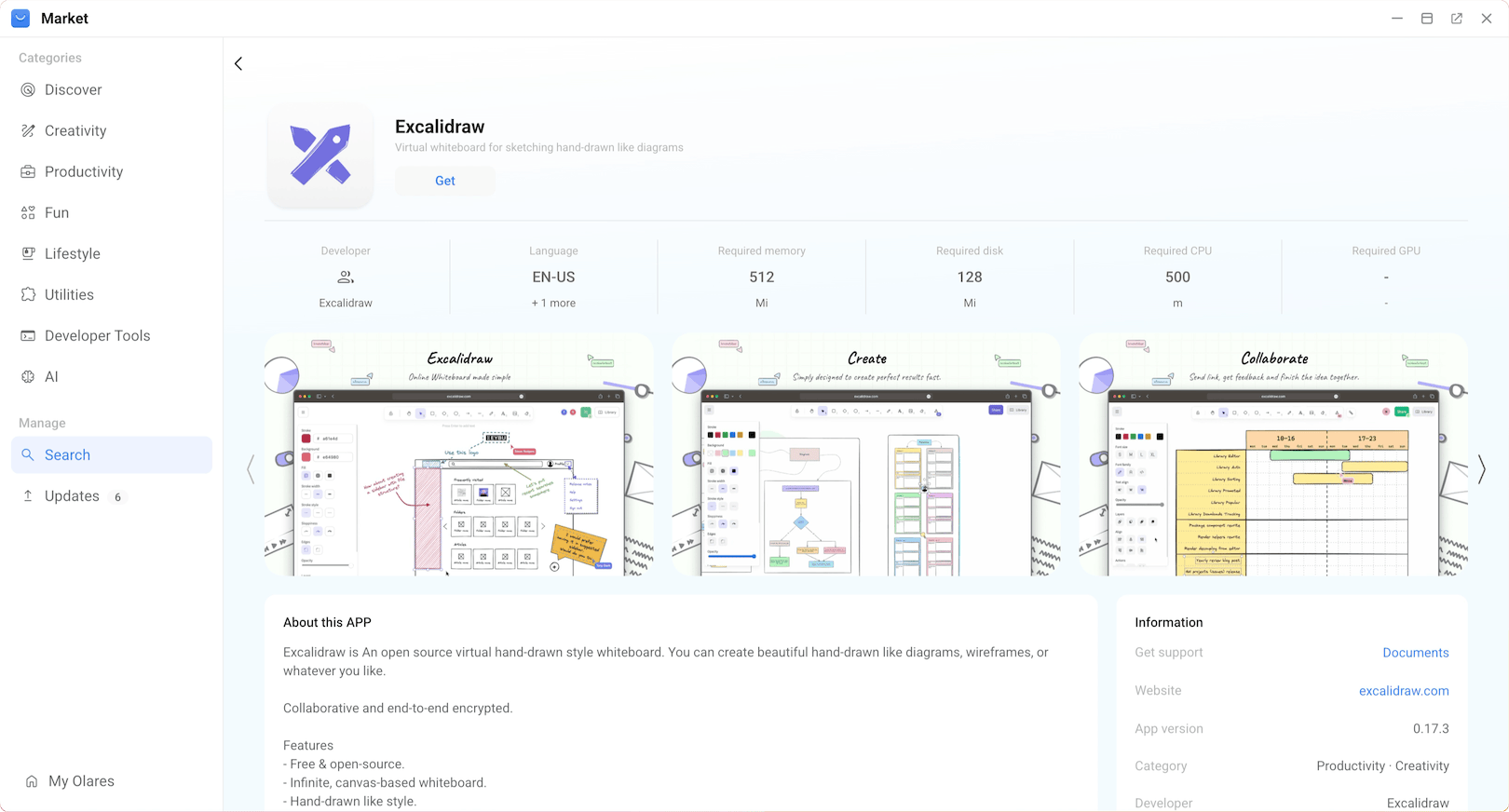
Click Get, then Install, and wait for installation to complete.
Use Excalidraw
Open Excalidraw from Launchpad to access the whiteboard canvas.
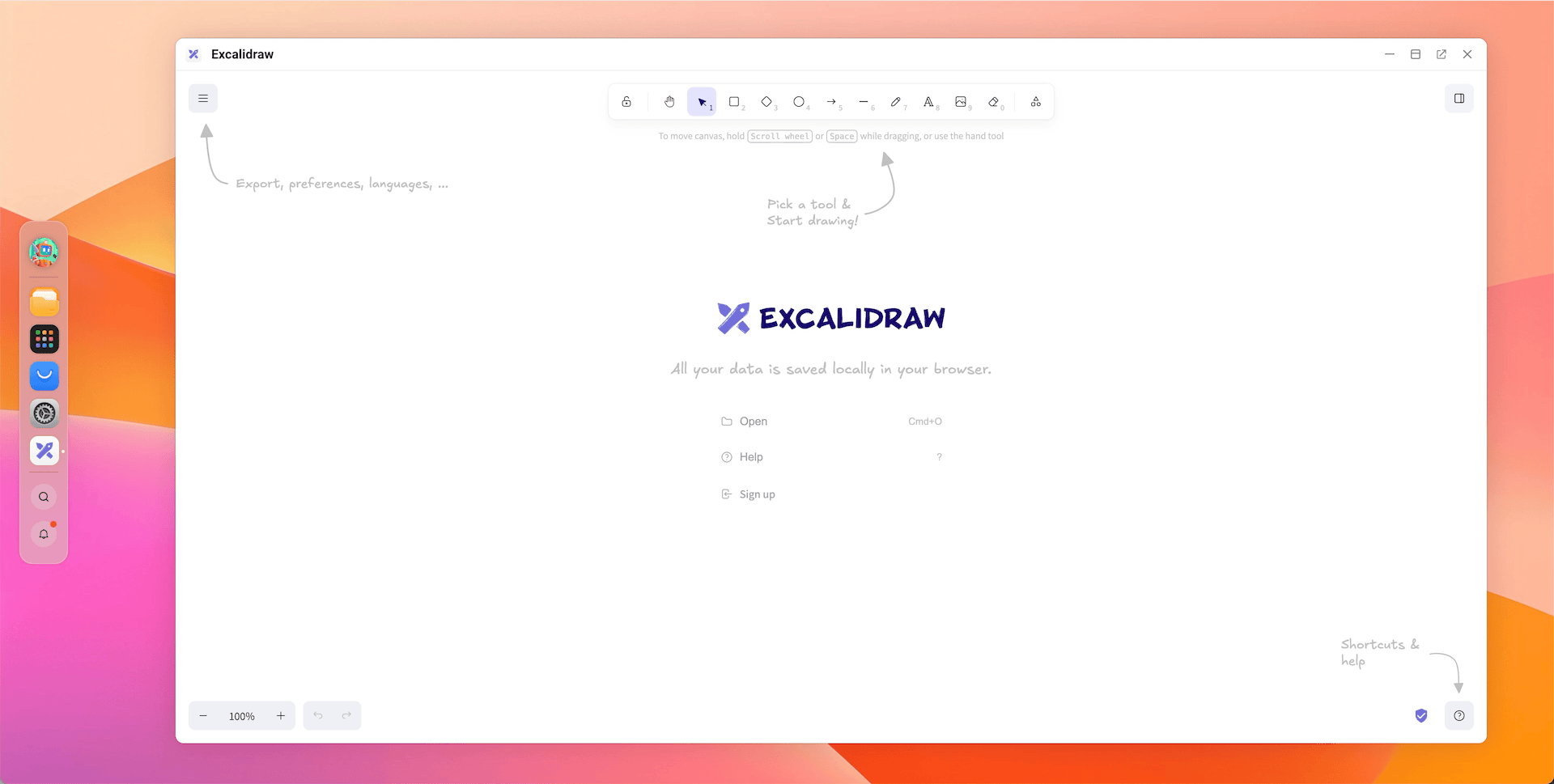
You can also click open_in_new to open Excalidraw in a new browser tab.
Create diagrams
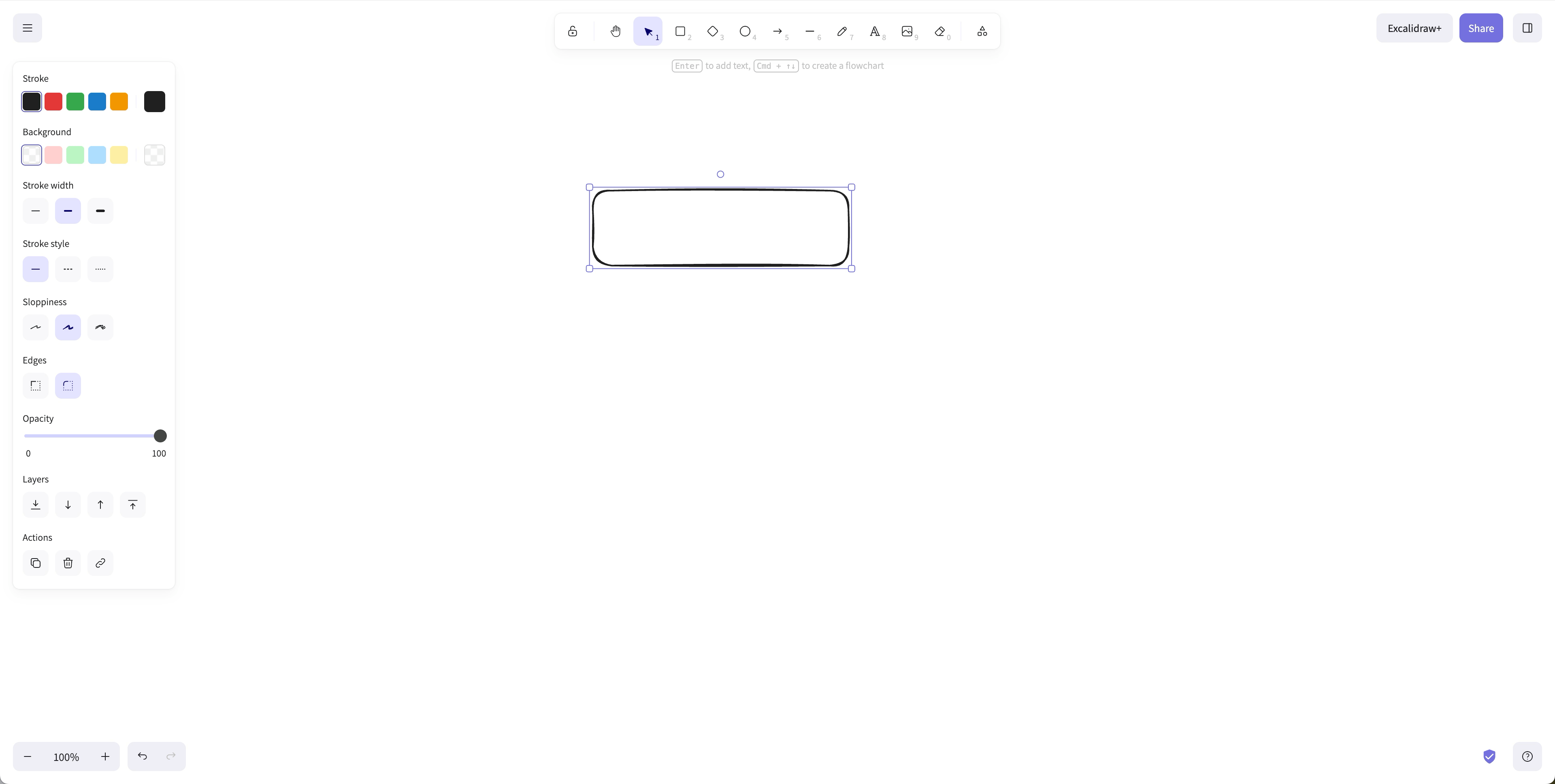
Select a shape from the toolbar (rectangle, ellipse, arrow, line, etc.).
Customize the shape's stroke color, stroke width, stroke style, background pattern, and opacity from the style panel.
Click and drag on the canvas to draw the shape.
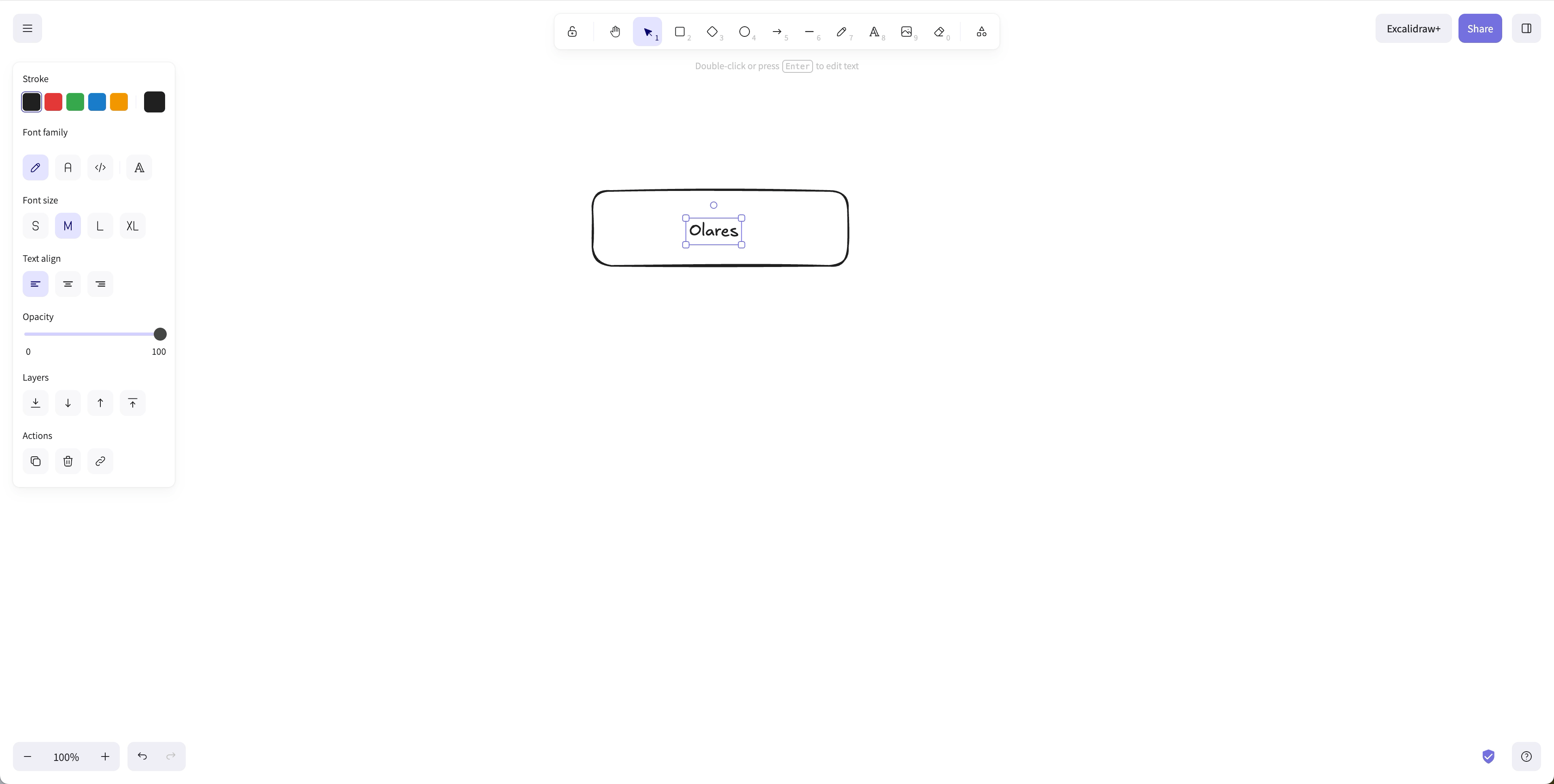
Select the text tool and click on the canvas to add text.
Add Excalidraw libraries
Excalidraw libraries are sets of reusable graphical elements. Instead of drawing common elements like servers, databases, or user icons from scratch, you can drag and drop them from an imported library.
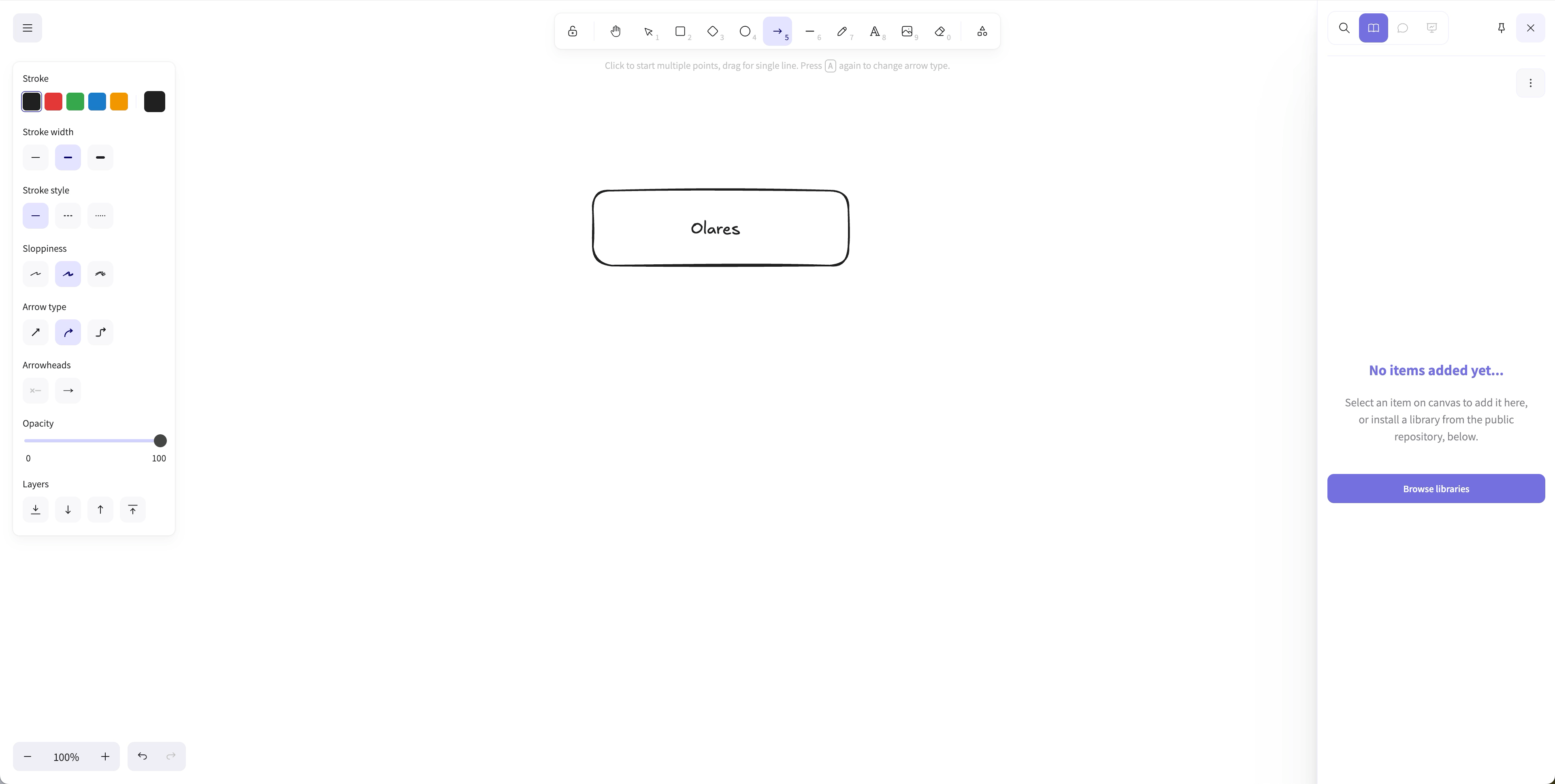
In the Excalidraw editor, click dock_to_left in the top-right corner to open the sidebar.
In the library sidebar, click Browse libraries to open the official Excalidraw Libraries website.
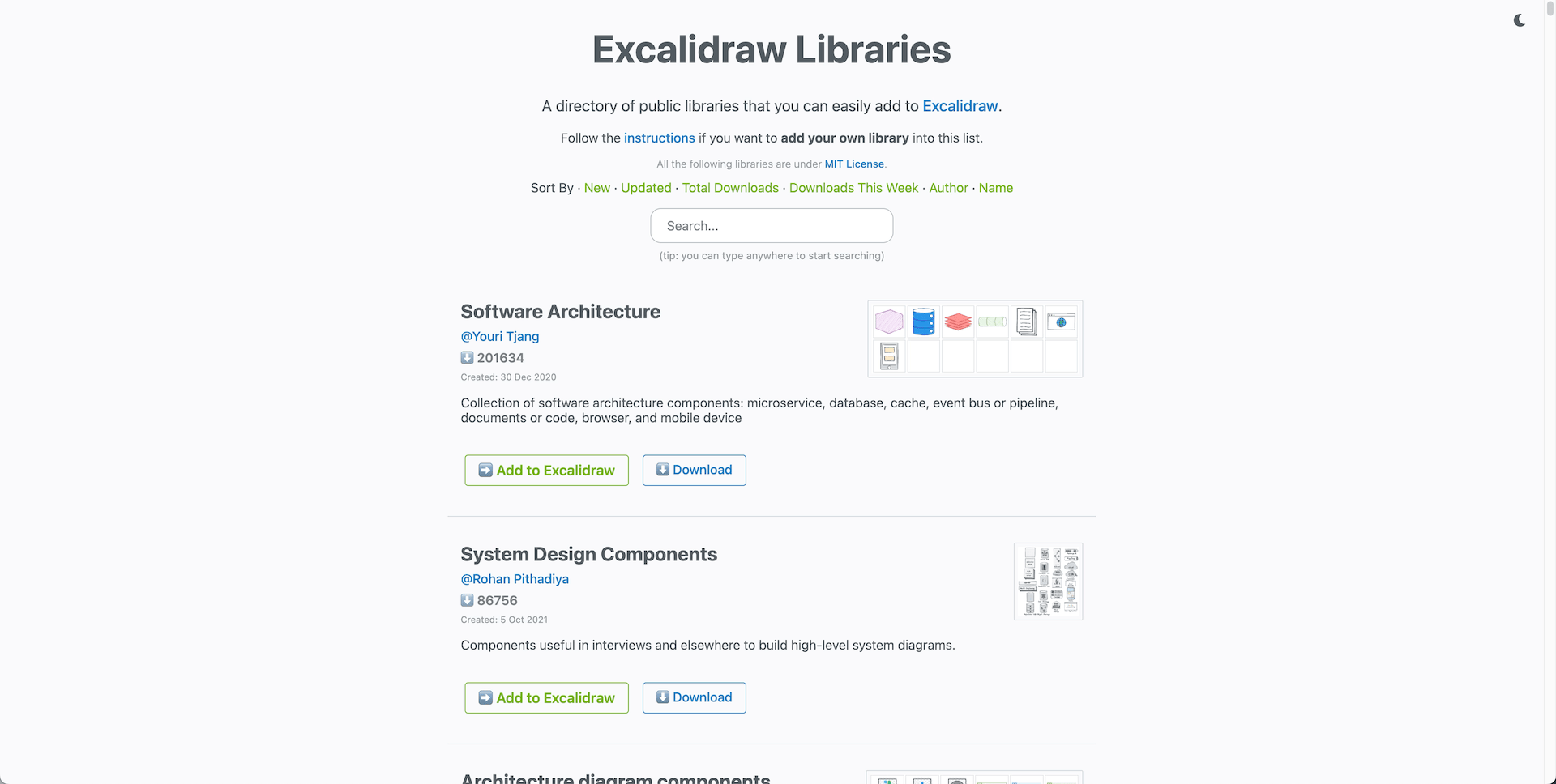
Search for a library you need, then click Add to Excalidraw.
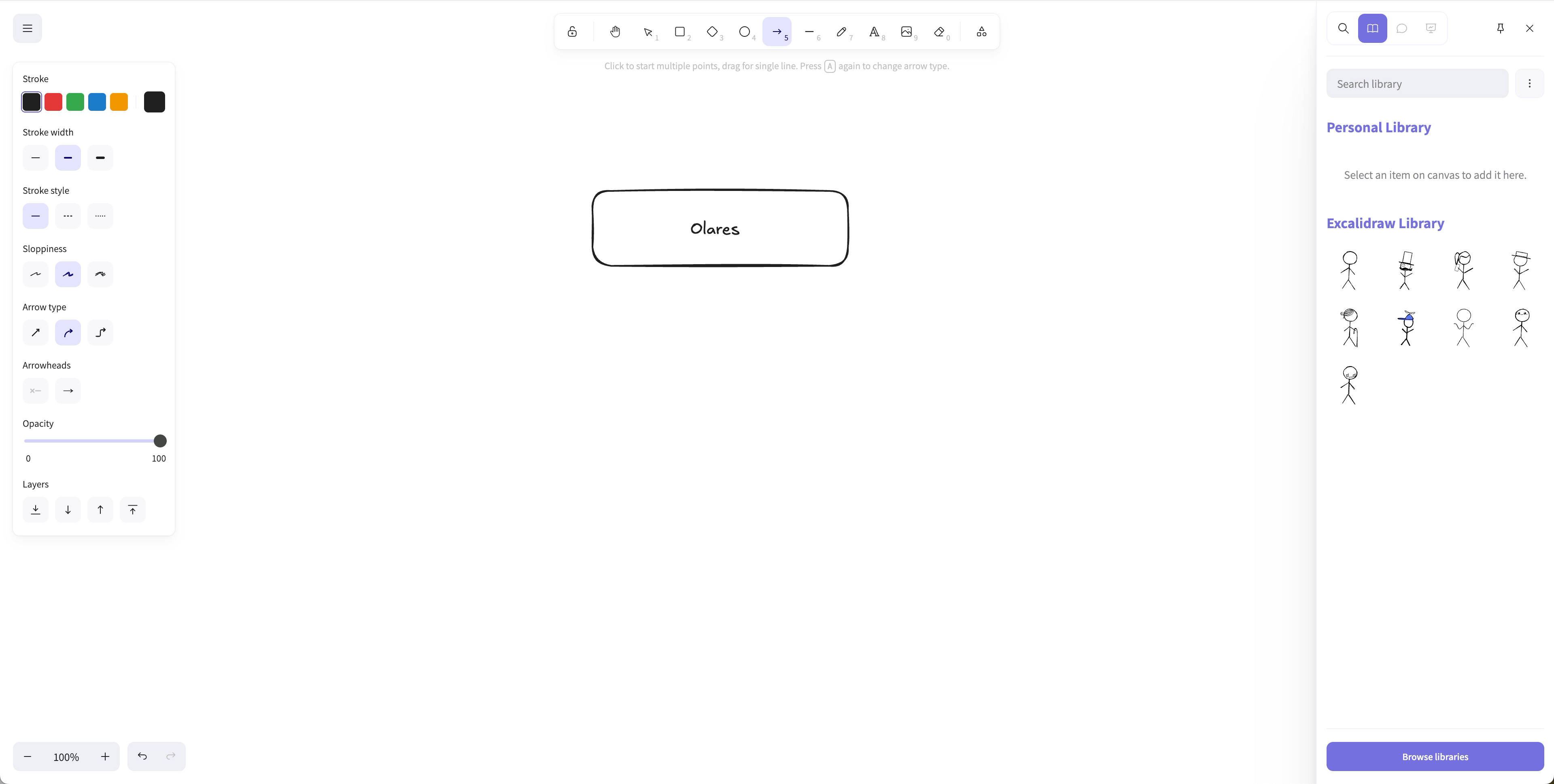
Back in the editor, the imported library appears in the sidebar. Drag any element from it onto your canvas.
Save your work
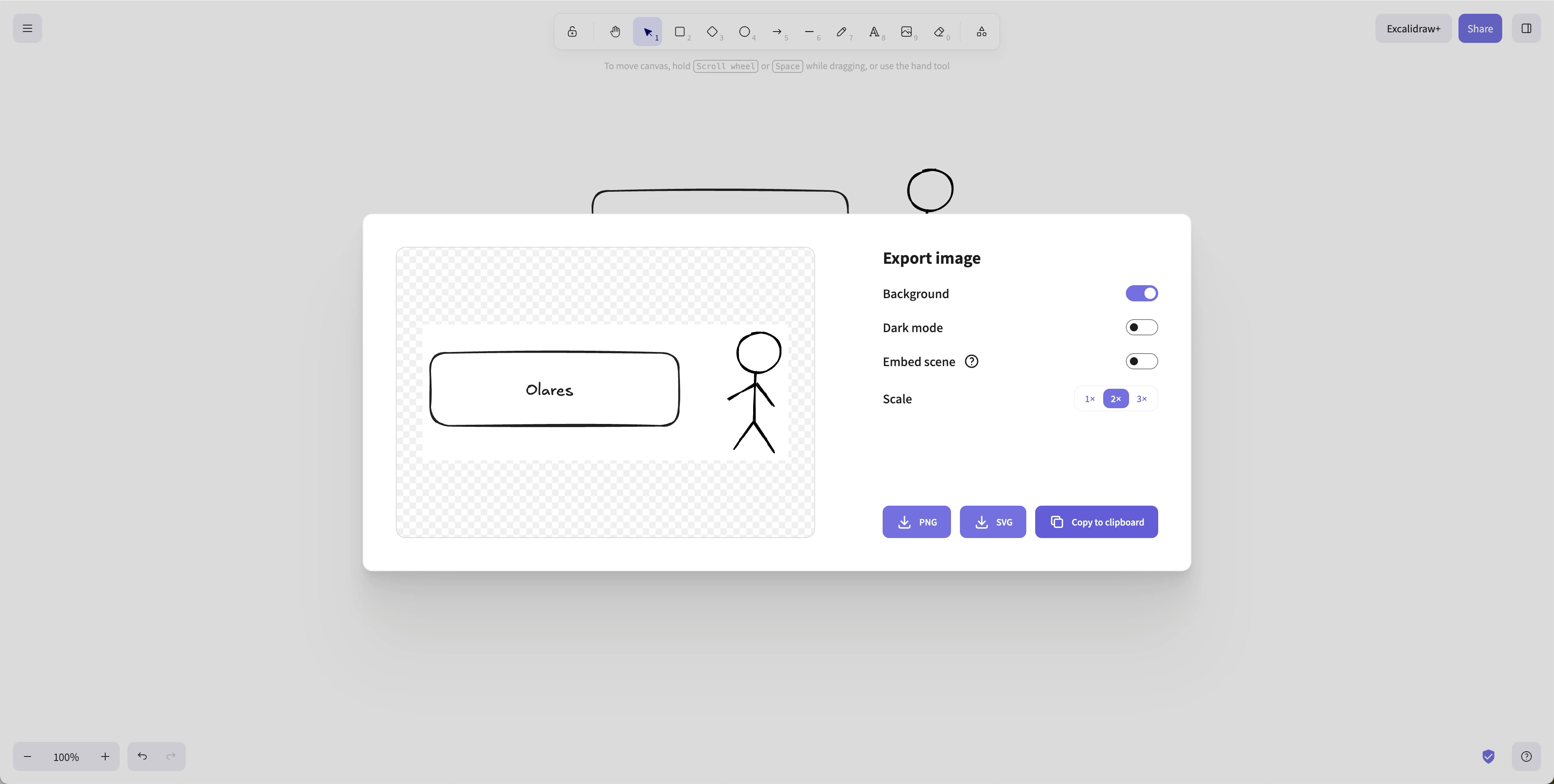
Excalidraw supports saving your canvas locally as an .excalidraw file or exporting it as an image.
Save to local: Click menu in the top-left, and then select Save to > Save to disk to save the canvas as an
.excalidrawfile that you can reopen later.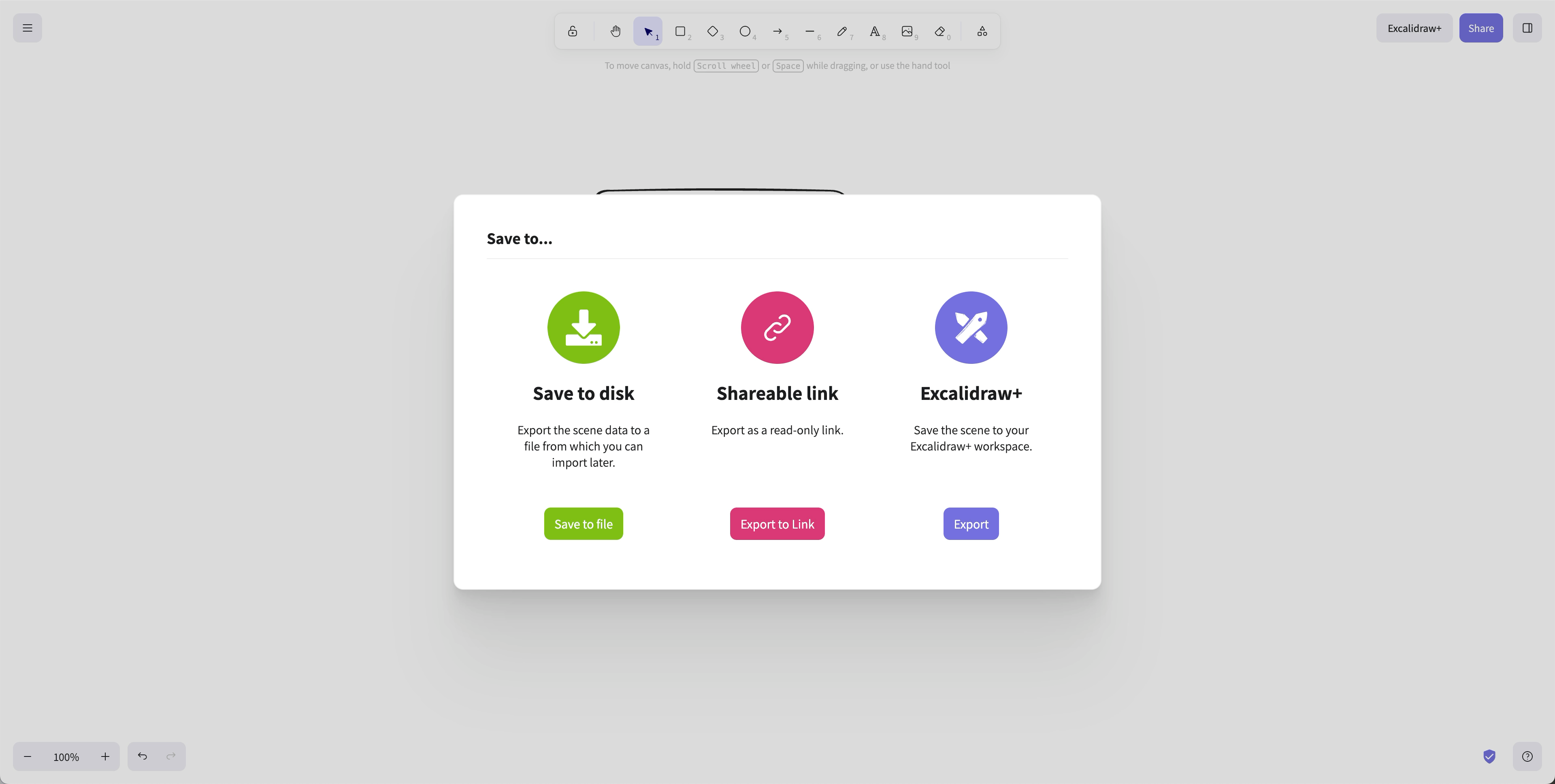
Export as image: Click menu in the top-left, and then Export image to save the canvas as a PNG or SVG file, or copy to clipboard.
Known issues
Collaboration and sharing not supported
The self-hosted version of Excalidraw does not support real-time collaboration or sharing links. The official self-hosted image includes only the frontend client and cannot connect to Excalidraw's cloud backend for collaboration and link sharing. The Excalidraw team plans to provide a fully self-hostable backend in the future. For details, see excalidraw#1772 and excalidraw#8195.
Learn more
- Excalidraw documentation: Official Excalidraw docs and guides.