Switch between Olares IDs
If you have added multiple Olares IDs in LarePass, you can switch between them on mobile app or desktop client.
On mobile
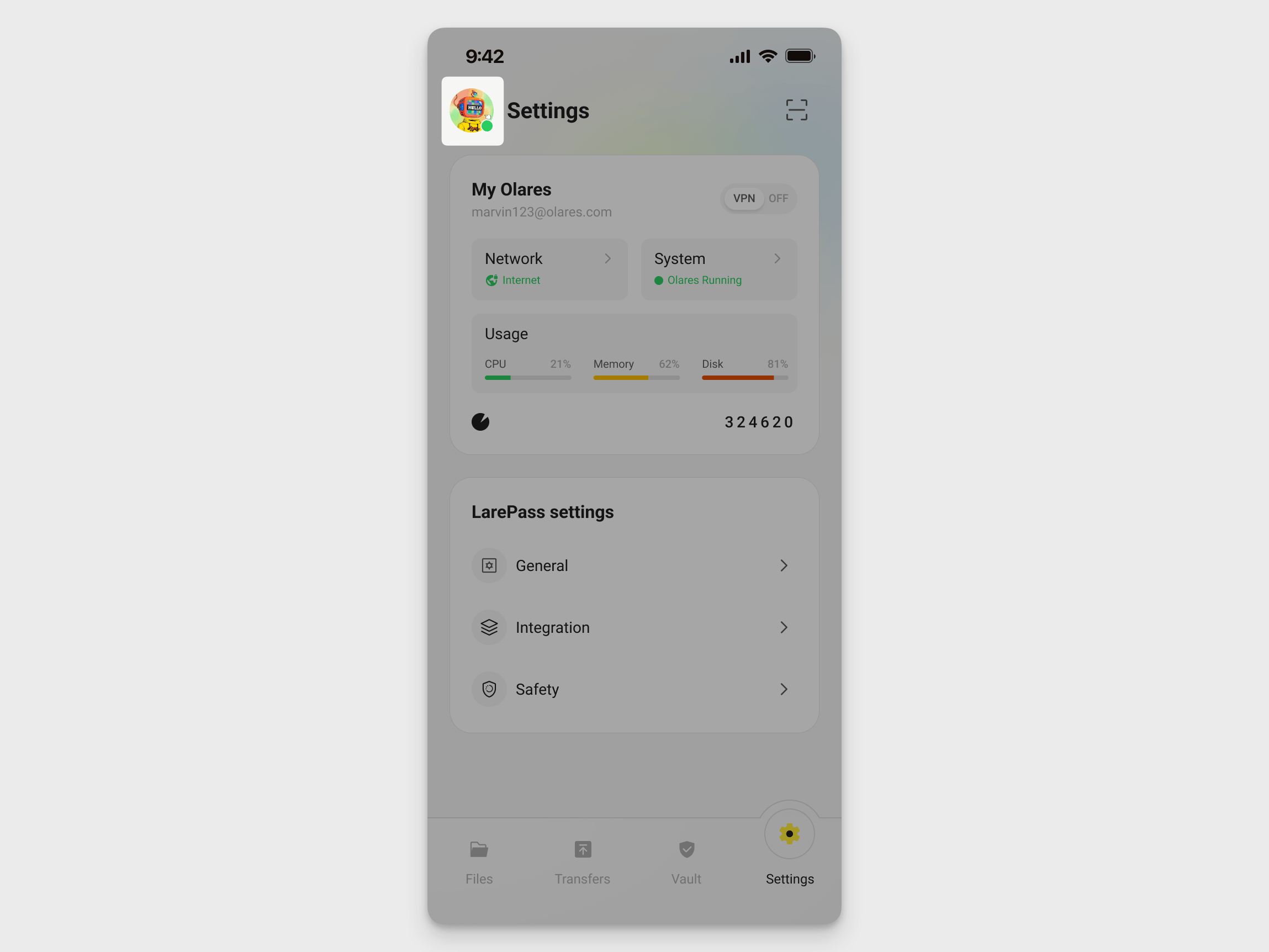
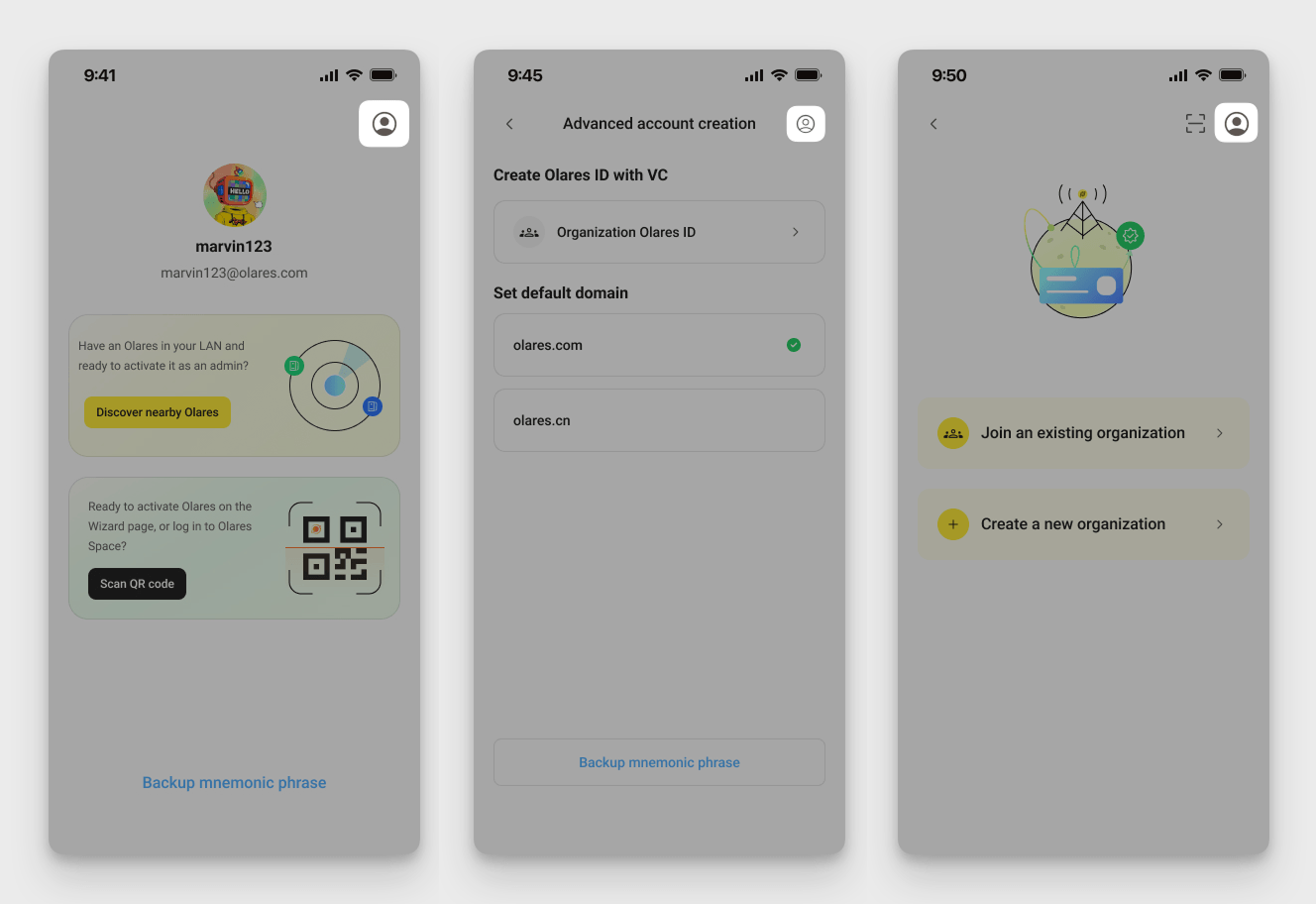
Open the Switch account page in one of the following ways:
From the main interface: Tap your profile avatar in the top-left corner.
During account creation: Tap the account icon in the top-right corner.
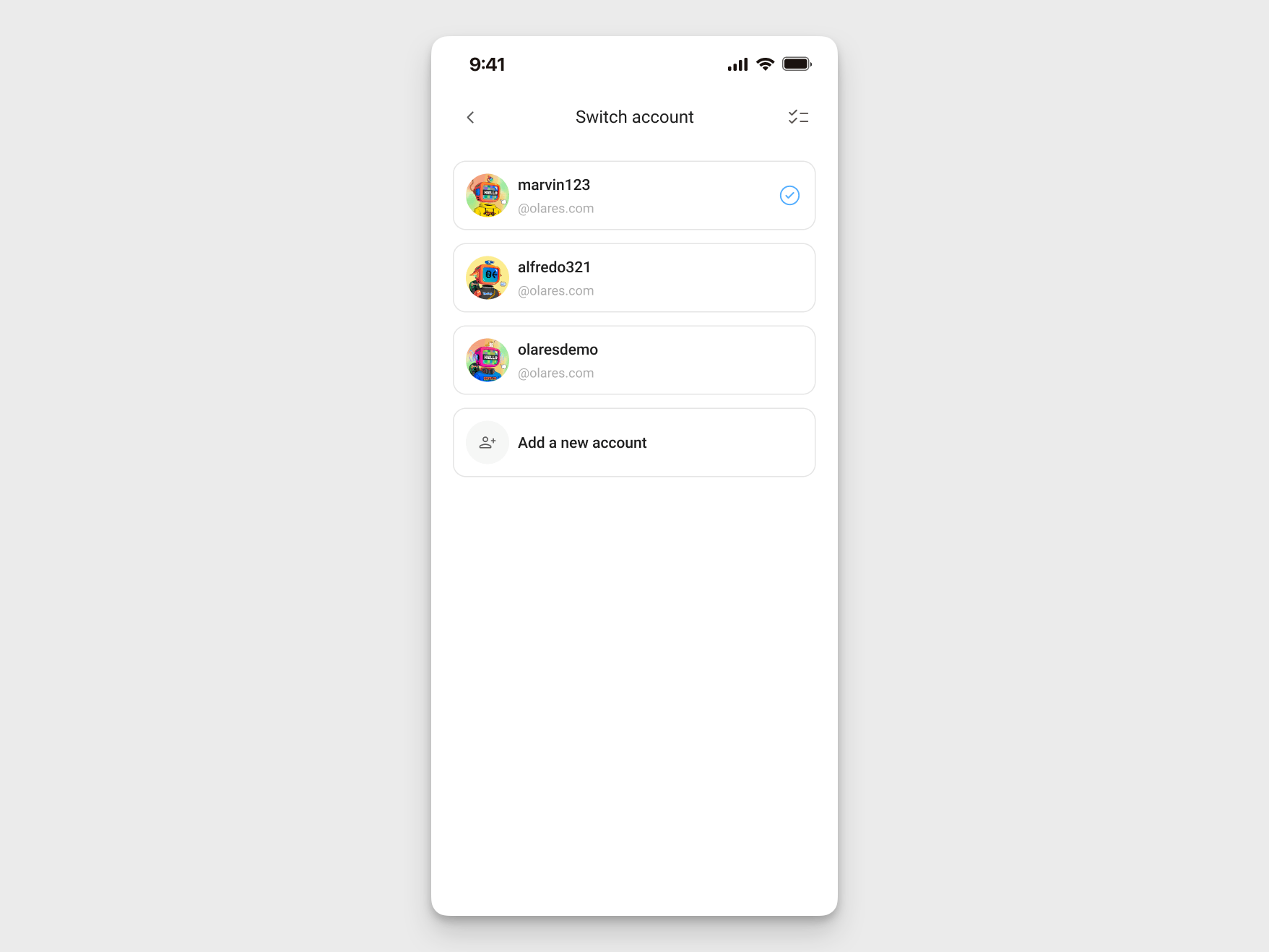
On the Switch account page, tap the account you want to use from the list.
On desktop
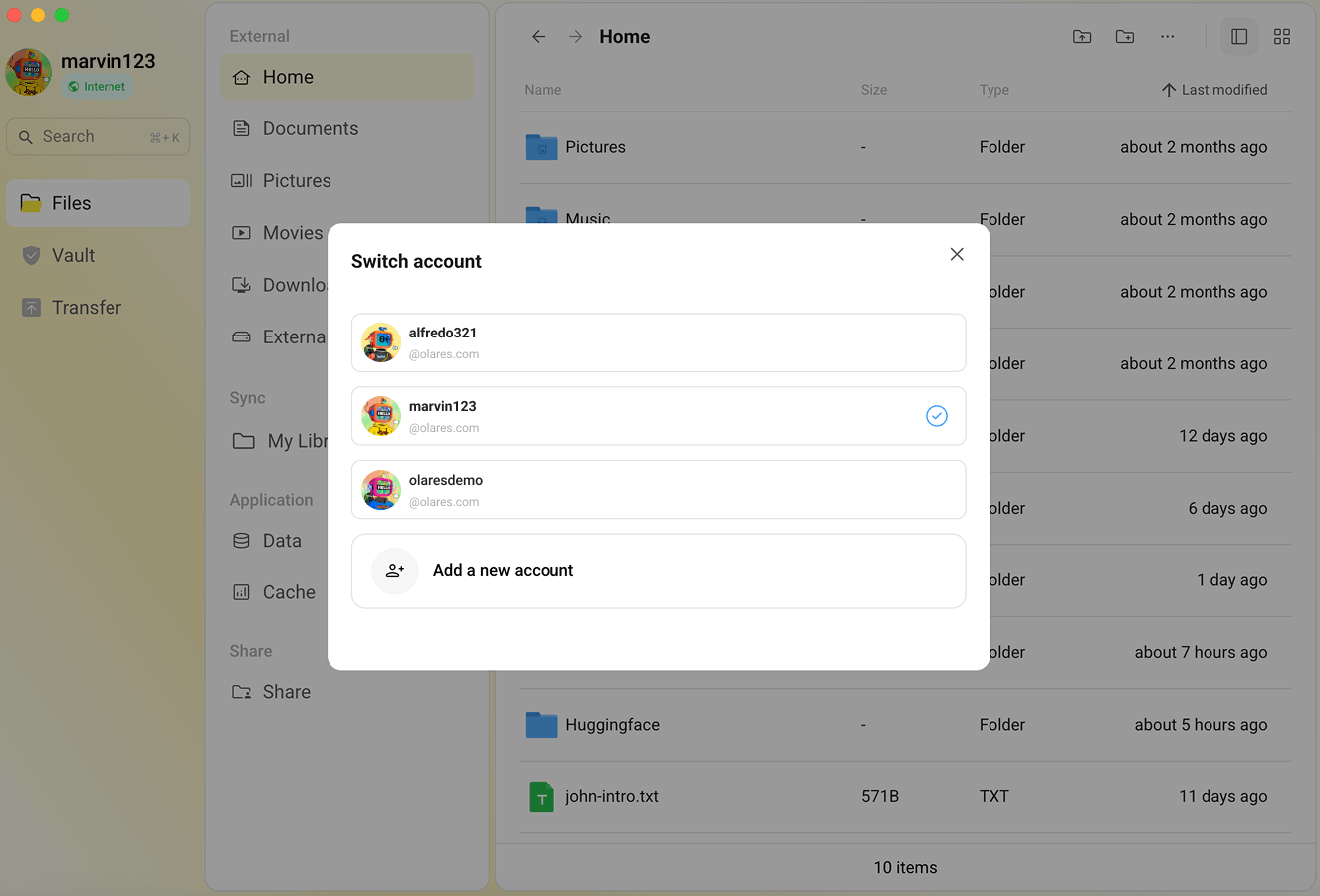
Click your profile avatar in the top-left corner, then click Switch account.
In the list, click the account you want to use.