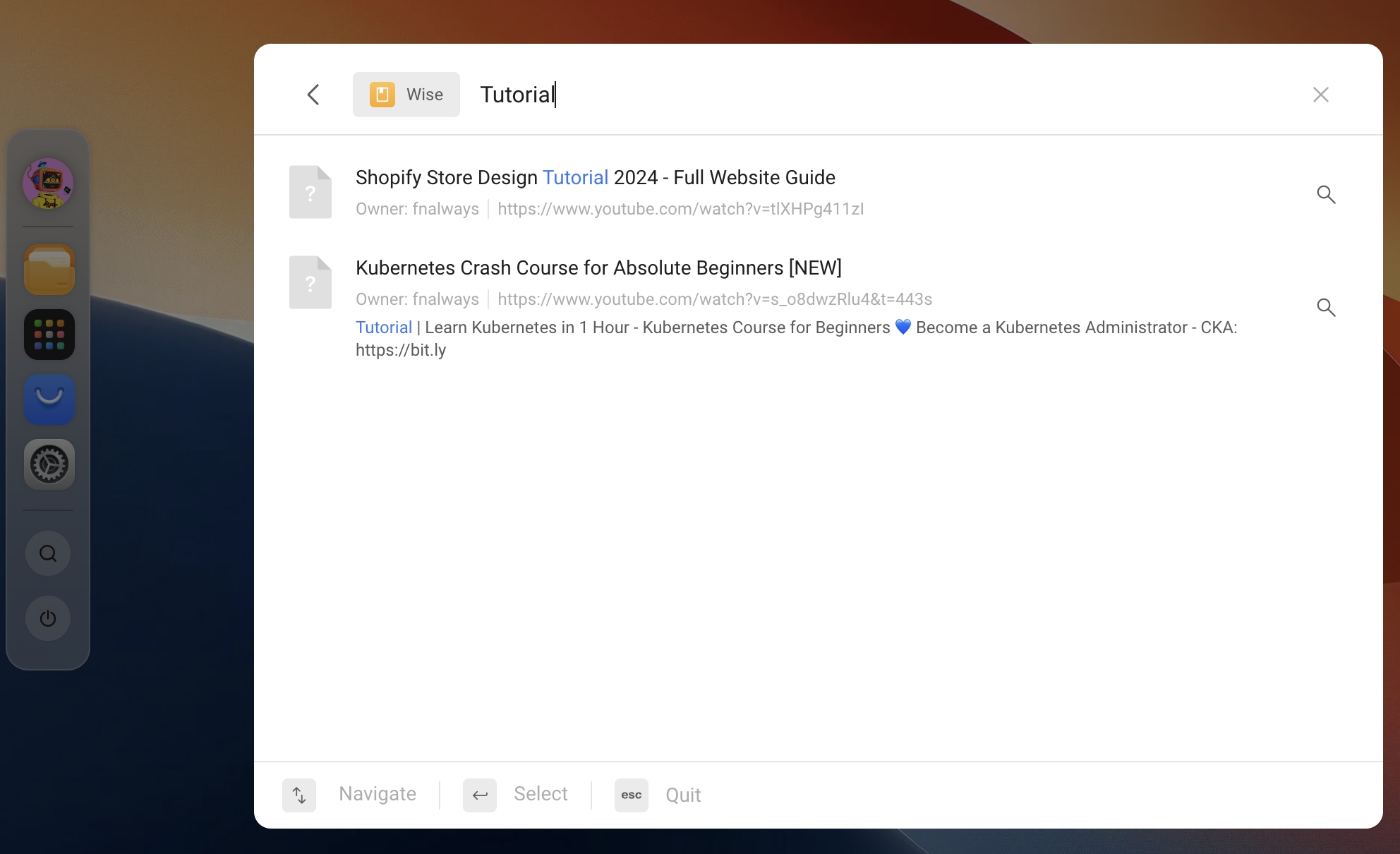
Once you've collected your content in Wise, you can search for particular content themes or entries using aggregated search in Olares.
Supported search formats
Currently, only document-type content (PDF, web articles, and ePUB) is searchable. Other formats will be supported in the future.
- Click searchin the Dock to open the search window.
- Specifies the search scope to Wise, and enter the keywords to search.
INFO
The exact steps may vary depending on your operating system and browser. The following uses Safari as an example.
Tap ios_shareShare in the browser, then either:
- Select the LarePass icon in the sharing options, or
- Tap LarePass in Other Actions
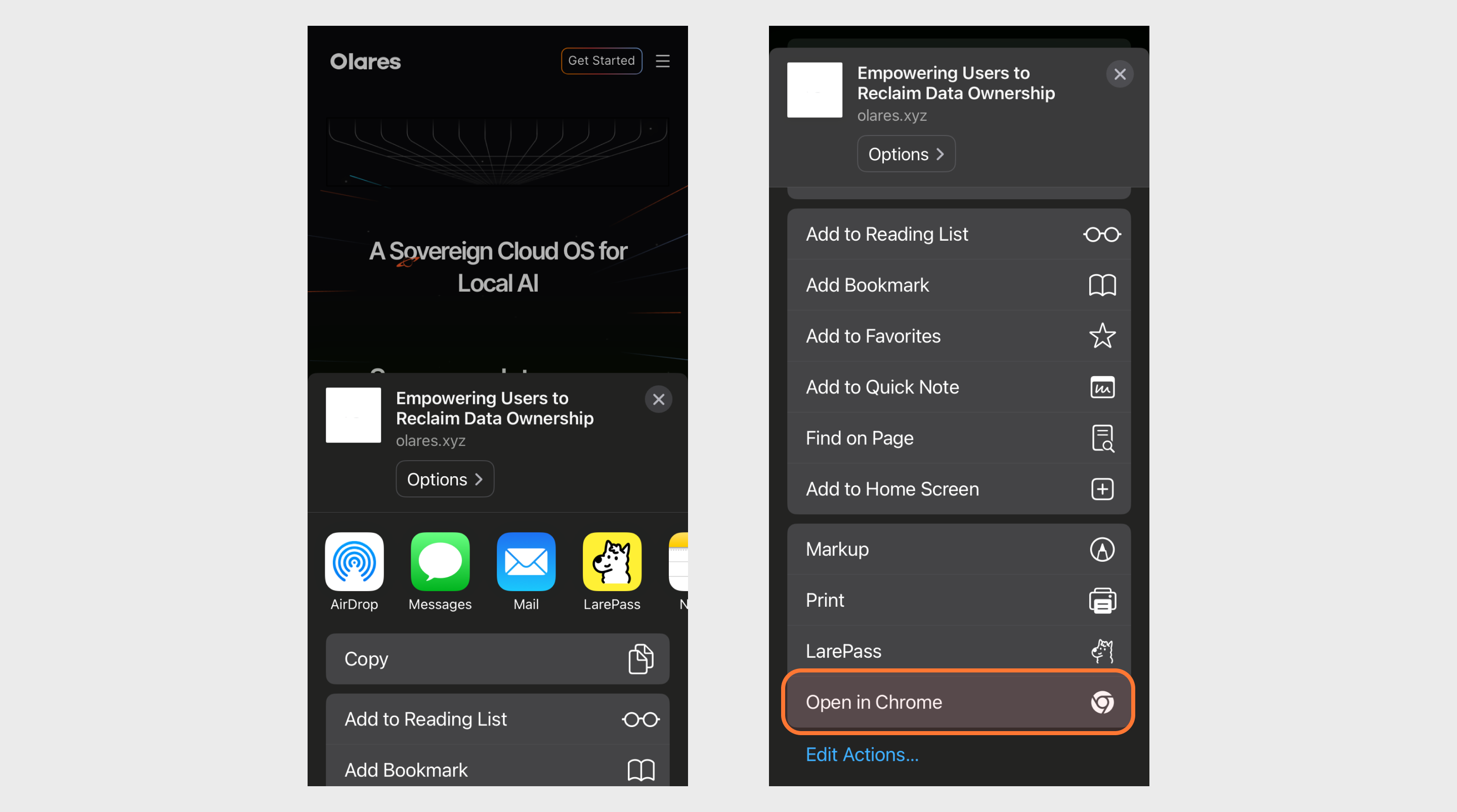
You will be redirected to the LarePass app. LarePass will automatically detect the collectable content on the shared page and prompt whether to add it to Wise.
Tap Confirm to add it to the Wise library.
Copy URL to share
Alternatively, you can copy the URL directly and open LarePass. LarePass will automatically detect the URL in the clipboard and the collectable content as well.
Once added, you can find the content in Library > Articles in Wise.